
Known vulnerabilities
A critical or high-severity flaw that already has a fix blocks the install until you update. Serious flaws with no fix yet are shown as warnings.
Debian Security Tracker · NVD
Woodlark 0.1 · Halo
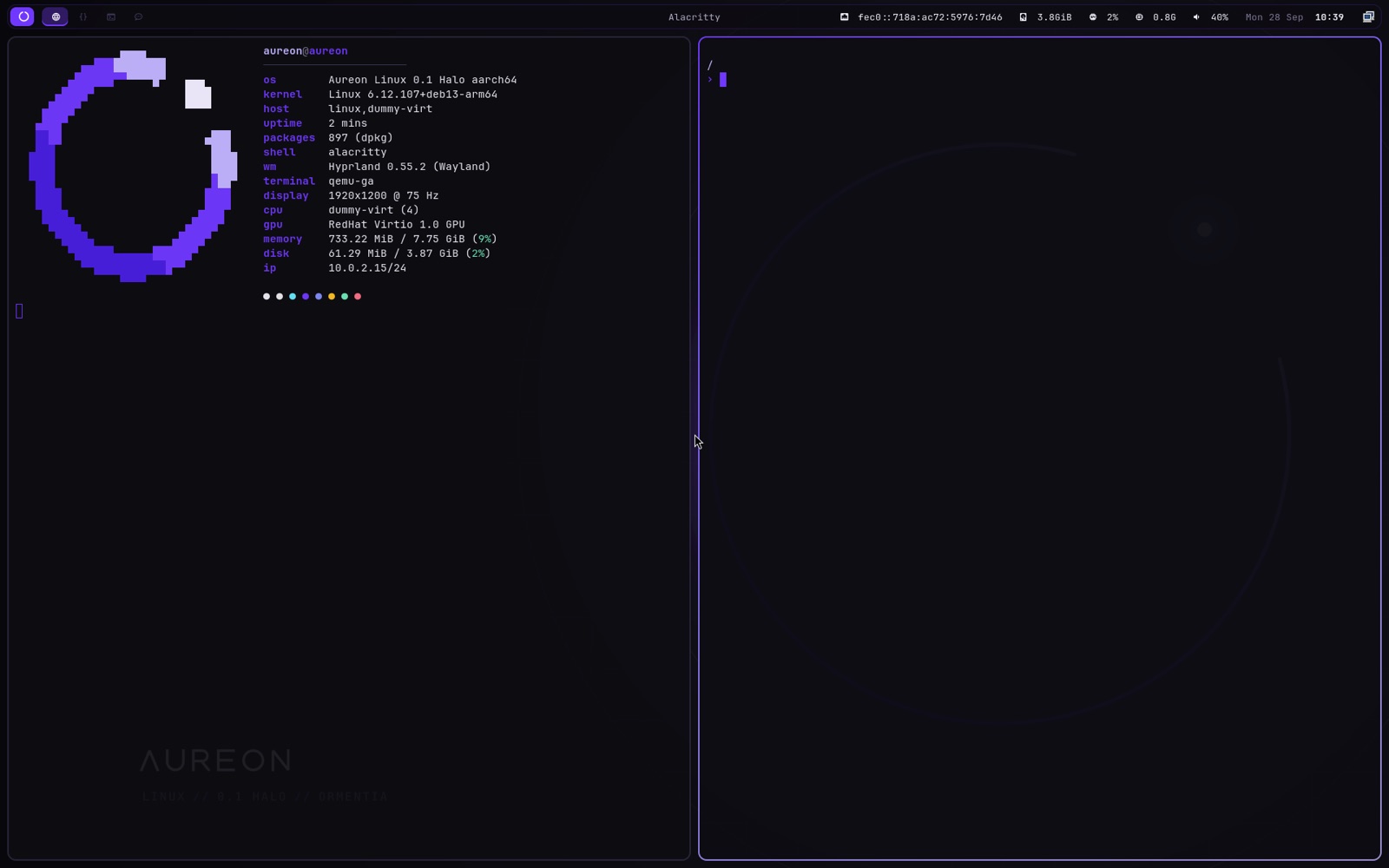
Debian 13 underneath, Hyprland on Wayland on top, and nothing you did not ask for.
Every package goes through woodlark, which checks it against public
vulnerability data before it touches your disk.
The woodlark command
woodlark install works out the whole apt transaction, dependencies included,
and checks every package in it before anything is written. If one has a serious known
flaw, you see which, why, and what to do, and nothing is installed.
Plain apt install gets the same checks, so nothing slips past by
using the other command.
Four checks
Each check can block, warn or be switched off in /etc/woodlark/policy.toml. Out of the box, all four block.
A critical or high-severity flaw that already has a fix blocks the install until you update. Serious flaws with no fix yet are shown as warnings.
Debian Security Tracker · NVD
Anything on CISA's list of flaws attackers are actively using is blocked, fix or no fix. EPSS scores show how likely the rest are to be exploited.
CISA KEV · FIRST EPSS
Packages Debian no longer patches are blocked. Packages it only supports for trusted input, like binutils, come with a warning that says so.
Debian security-support lists
Only Debian, Debian security, the pinned backports and Woodlark's signed repository. Stray .deb files and unknown repositories are blocked.
apt's own records
How it stays honest
renew says what they fixed.# check, then install woodlark install nginx # the same report, nothing installed woodlark info nginx # check what is already on the system woodlark audit # lists, security data, upgrades, cleanup (or: renew) sudo woodlark update # the rules in force, and how fresh the data is woodlark policy
Minimal
Woodlark ships what a desktop needs and stops there: no compilers, no media player, no office suite, and no VM guest agents on real hardware. Less installed means less to patch.
What you do want is one command away, and goes through the same checks. VSCodium and AnythingLLM
come from their own publishers, and woodlark says so every time.
# compilers, headers, Python packaging
woodlark install woodlark-dev
# ripgrep, jq, tree, micro, dig, zip
woodlark install woodlark-tools
# VSCodium, from its pinned apt repository
woodlark install vscodium
# AnythingLLM, checked against its published sha256
woodlark install anythingllm
Inside
Tiling that animates, rounded corners, blur and a floating glass bar. Same keys as a classic i3 setup.
renew refreshes package lists and security data, upgrades everything and cleans up. Woodlark's packages come from its own signed repository.
A calm text installer: pick a disk, optionally encrypt it with LUKS2, set a user. UEFI and legacy BIOS.
Firefox with uBlock Origin and Dark Reader bundled and working offline, first-run clutter turned off.
AnythingLLM is one command away: woodlark install anythingllm. Paste your own API keys or point it at a local Ollama. No account, no telemetry.
The same base without a GUI: SSH, tmux, neovim, the guest agents and a serial console for headless boxes.
woodlark-scale sets 100–250% in one step: bar, launcher, terminal and apps all follow.
zram swap, a zstd-compressed image, no background services you did not ask for. Fast on old hardware and VMs.
Tour
Download
Every image is a live system that can install itself.
Write an image to a USB stick with dd, balenaEtcher or Rufus (DD mode), or attach it to a VM.
Turn Secure Boot off for now. Check a download with sha256sum -c and the .sha256 file next to it.
Install
On a Mac, find the stick with diskutil list, then:
sudo dd if=woodlark-linux-0.1.0-desktop-amd64.iso of=/dev/rdiskN bs=4m
Pick the stick in your firmware's boot menu. The live desktop signs in as woodlark / woodlark.
Open the launcher with Super D and choose Install Woodlark, or run:
sudo woodlark-install
Whenever you like:
renew
Already on Debian 13?
One package brings Woodlark's signing key and apt source, so there is no sources file to write by hand. Then install the server set, or the whole desktop.
Signing key
About Woodlark
Woodlark is a calm, keyboard-first desktop and a quiet server, built on Debian 13, kept small, and careful about what it lets in.
Everything it adds, from the installer to the theme and the small tools in between, ships as signed Debian packages. It updates with the rest of the system, and your own settings stay yours.
Software goes in through woodlark install, which checks every package against Debian's security tracker, the NVD, CISA's list of exploited flaws and EPSS before anything is installed. Plain apt gets the same checks.
Let’s talk Linux
Questions about Woodlark, running it on your hardware, or working together?